01
Family papers first.
Certificates, school reports, payslips, letters with postmarks and the backs of photos often carry exact dates. Look at home before you look anywhere else.
An Ancestorii timeline lays a life out in order: each event has a title and a date, then holds photos, video, family comments and voice notes. Timelines are unlimited on every plan, your whole family can add to them, and you can download the finished timeline as a PDF.
Make one for a parent, a grandparent, a couple or a whole branch of the family, and invite the people who were there to add what they remember.
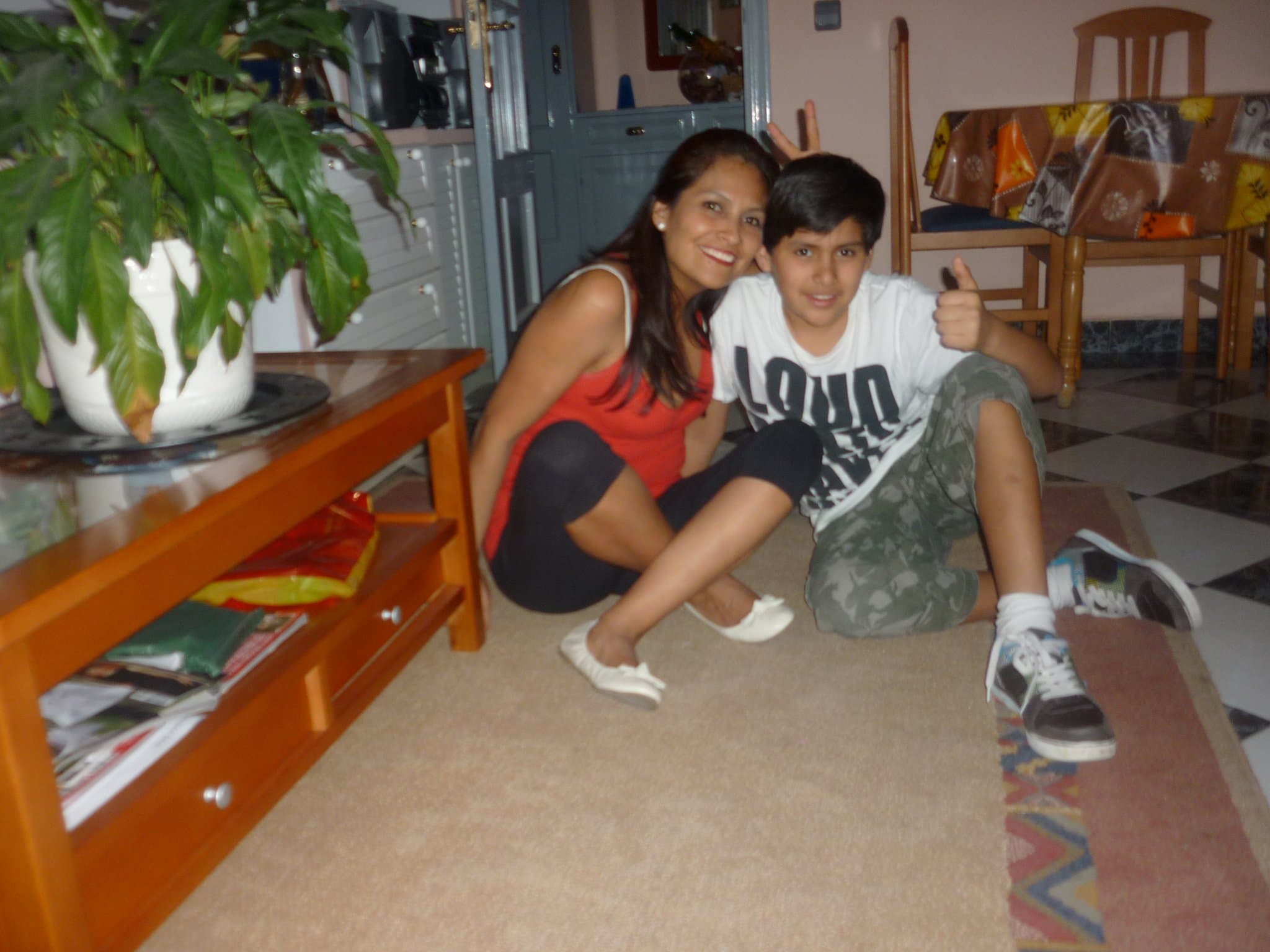
“Me and my mum. The woman behind everything.” May 2011, from the founder’s own family photos.
A timeline starts with a title, a short description and a cover photo. Then you add events. Each one needs a title and a date and can start with a photo or a video. Open an event later and you can add more photos and videos, from your device or your family Library, along with comments and voice notes.
Begin with the events that are on paper, because they give the timeline its shape:
Then add the moments only the family knows: the holiday everyone still talks about, the day the dog arrived, the job that nearly happened. Events appear in date order along a horizontal timeline you can zoom and pan, with month markers once you zoom in far enough.
Every event needs a full date, because that is how the timeline puts things in order. When you only know the year, pick a stand-in day such as 1 January and say so in the title, for example “Moved to Bristol (about 1962)”. The PDF prints each event’s full date, so flagging a guess stops it turning into a fact.
To narrow a date down:
Certificates, school reports, payslips, letters with postmarks and the backs of photos often carry exact dates. Look at home before you look anywhere else.
Taken every ten years since 1801, except 1941, and kept closed for 100 years. The 1841 to 1921 returns are online through sites such as Ancestry and Findmypast, and from 1851 they give ages, occupations, birthplaces and each person’s relationship to the head of the household.
Taken on 29 September 1939, it lists around 40 million people with their addresses, dates of birth, marital status and occupations. With the 1931 census destroyed by fire in 1942 and none taken in 1941, it fills a long gap. An entry stays closed for 100 years from birth unless there is proof of death.
The General Register Office holds every birth, marriage and death registered in England and Wales since July 1837. Its online index covers historic births from 1837 to 1934 and deaths from 1837 to 1957.
The census and 1939 Register details come from The National Archives, and the register office details from GOV.UK. These records cover England and Wales; Scotland and Northern Ireland keep their own. Ancestorii doesn’t search records, but whatever you find can go straight onto your timeline. For a fuller start, see our guide to researching your family history.
Yes. Everyone you invite to your family space can add events to a timeline, add photos and videos to an event, leave comments and record voice notes. This is where the gaps get filled: you add the date of the wedding, your aunt remembers the band, and your grandmother records two minutes on how they met.
Voice notes can be recorded in the browser or uploaded as audio files, and new recordings are converted to M4A automatically so they play on any phone. Only the person who created a timeline can delete it or remove anything from it.
You can also tag the people a timeline is about from their Loved Ones profiles, so it shows on each person’s profile alongside their dates and life story. The Free plan includes one Loved Ones profile; Premium has no limit.
Yes. Choose Preserve My Legacy to preview the timeline as a PDF, then download it. The PDF keeps your layout and colours, shows one image per event and carries an Ancestorii watermark. It is an easy way to share a parent’s timeline with relatives who aren’t in your family space, or to print a copy at home.
For something to hang on the wall or keep on a shelf, the canvas and Memory Book editors take their photos from your family Library. The Heritage canvas, 24 by 72 inches, has a landscape Timeline layout for six photos and costs £169.99 plus delivery, with UK delivery only. A Memory Book starts at £44.99 plus delivery for 24 printed pages.
A date tells you when. The family remembers why.
A screen at least 1024 pixels wide, such as a laptop, a desktop computer or a large tablet turned sideways. On anything narrower, including phones and most tablets held upright, the website shows a “Bigger screen needed” message instead of the builder, because a horizontal timeline needs the room.
On a phone, use the free Ancestorii app for iPhone and Android, which lets your family capture and view timelines along with memories, albums, voice notes and family profiles. Upgrades and print orders happen on the website, with the same email and password.
Ancestorii is a private place for a family’s memories, and a timeline is one way of seeing them in order. It sits alongside albums, the family Library, time capsules and Loved Ones profiles, in a family space that only the people you invite can see.
It isn’t a genealogy service. It doesn’t search records or build family trees, and its terms describe it as a memory-keeping and storytelling service rather than a research one. It helps with what comes after the research: putting the dates beside the photos, the stories and the voices of the people who were there.
If you’re stuck, Story Assistance, the optional writing help, can suggest questions to help you remember what happened and prompts for describing an event. You decide what to keep. Timelines are unlimited on the Free plan, and Premium adds more storage for £3.99 a month per family.
Unlimited timelines on every plan, free to start, no credit card.
Free forever · No credit card · Takes 2 minutes